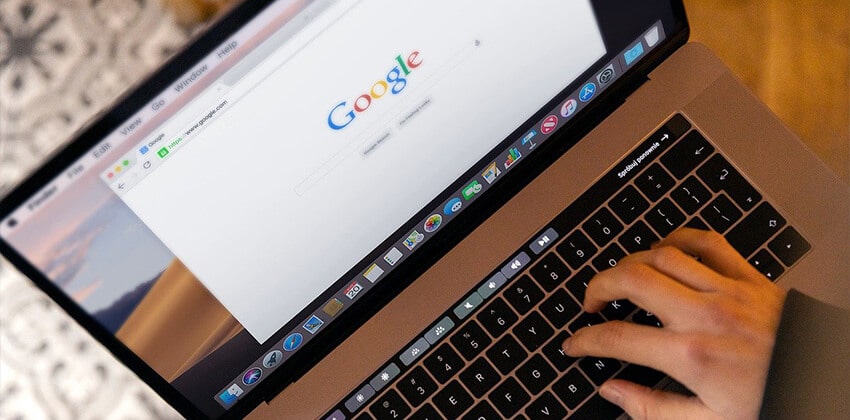
It is difficult to edit your resume web page without viewing it in a browser (or two) to see how it looks. Once you have uploaded it to the Web server, you should view it, again, to make sure that it still looks OK.
Getting ready:
- Save your HTML file somewhere you can find it (on USB drive or in My Documents on a PC).
- You don’t have to be connected to the Internet to view your HTML file while you are editing it because it is on your computer’s hard drive.
- The software that you are using to edit your HTML file can remain open while you are viewing your file in the browser.
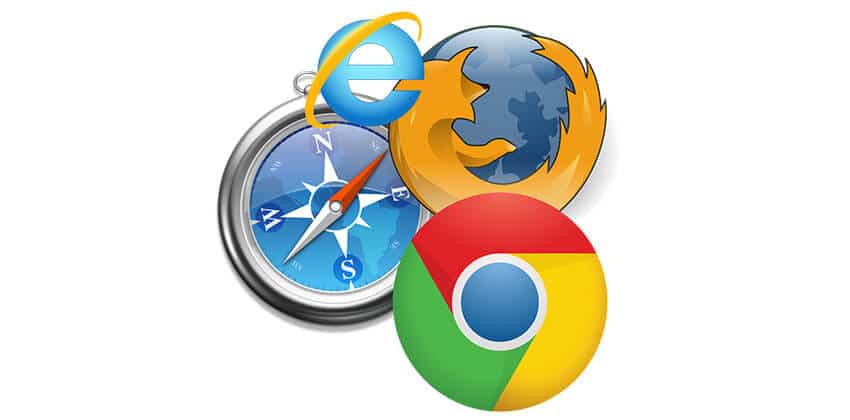
- If you have either of the 2 most popular web browsers, Microsoft Internet Explorer and Mozilla Firefox, or your AOL browser, view your resume in all of them because they do interpret HTML inconsistently with each other. Internet Explorer is the most popular by far, however, so be sure to check your resume in IE.
The steps:
- Open your web browser(s).If you are not connected to the Internet, your browser may give you an error message. Choose “work off-line” or a similar selection if one is offered, and click “OK.” Netscape may tell you that it can’t find a Web page; just click “OK.”
- At the very top of your browser’s windown is a line that contains a small logo for the browser and the words Netscape or Microsoft Internet Explorer or whatever browser you have opened.If you look at the top of your browser right now, while you are still on-line, you should see the browser logo and the words “Job-Hunt.Org: Viewing Your Personal Resume Webpage.”
Note: This text is the text that you put between the <TITLE>and </TITLE> tags in your HTML file’s head.
- Just below that line should be another line of text — File Edit View etc.
- Click on the word “File,” and select “Open…” or Open Page…” (depending on the browser).
- A dialog box will pop open, labeled “Open” or “Open Page” depending on the browser.
- Select “Browse…” or “Choose File…” (depending etc.), and then click through your computer’s list of drives and directories to find your HTML file where you saved it.
- When you have found your HTML file, click on it to pull it into the dialog box.
- If you see your HTML file’s name in the little window in the dialog box, click “OK” or “Open” (depending), and you should see your resume appear in the main window of your browser.
- Congratulations!!
Can’t see your file?
- Recheck the instructions on the Basic HTML page.
- Are all of the “structure tags” there in the right order, opened and closed correctly?
<HTML>
<HEAD>
<TITLE>
The Title of your Webpage (visible to search engines
and saved as the name of the bookmark or favorite)
</TITLE>
</HEAD>
<BODY>
This is the visible portion of your Webpage
</BODY>
</HTML> - Do you have any text in the file, in addition to the structure tags above? Your resume text should be between the <BODY> and </BODY> tags. If there isn’t some text there, there will be nothing to see.
Editing your HTML file:
As soon as you view your resume, you probably see something you want to change.
- Go back to your editor (re-open it if you closed it).
- Make the changes.
- SAVE THE FILE AGAIN.
- Go to the browser.
- Click on the “Refresh” or “Reload” button on your browser. The revised page will appear in the browser’s window.
If you can’t see the changes you made, you probably did one of two things:
- Changedthe file without saving it, or
- Saved the file, but didn’t click on the browser’s “Refresh” or “Reload” button.
When you have your resume looking the way you want it to look as a web page (be sure to make it cyber-safe first!), you need to copy your HTML file to a computer that will make it available to the Web, a “host” computer. Check with the company that provides your access to the Internet (AOL, AT&T, Digex, RCN, etc.) to see where and how to put your resume online.
Once your Personal Resume Web Page is online, it will have an electronic address — a URL — and everyone will be able to see it, if they know that address. Add that address to correspondence (both online and offline) when you want someone to see your resume.
 About the author…
Online job search expert Susan P. Joyce has been observing the online job search world and teaching online job search skills since 1995. A veteran of the United States Marine Corps and a recent Visiting Scholar at the MIT Sloan School of Management, Susan is a two-time layoff “graduate” who has worked in human resources at Harvard University and in a compensation consulting firm. Since 1998, Susan has been editor and publisher of Job-Hunt.org. Follow Susan on Twitter at @jobhuntorg and on Facebook, LinkedIn.
More about this author…
Don't forget to share this article with friends!